How to Handle Guessing in Orton-Gillingham Reading Practice
If your child keeps guessing at words instead of sounding them out, reading practice can feel frustrating fast. This guide shows simple ways to reduce guessing during Orton-Gillingham practice without adding pressure.

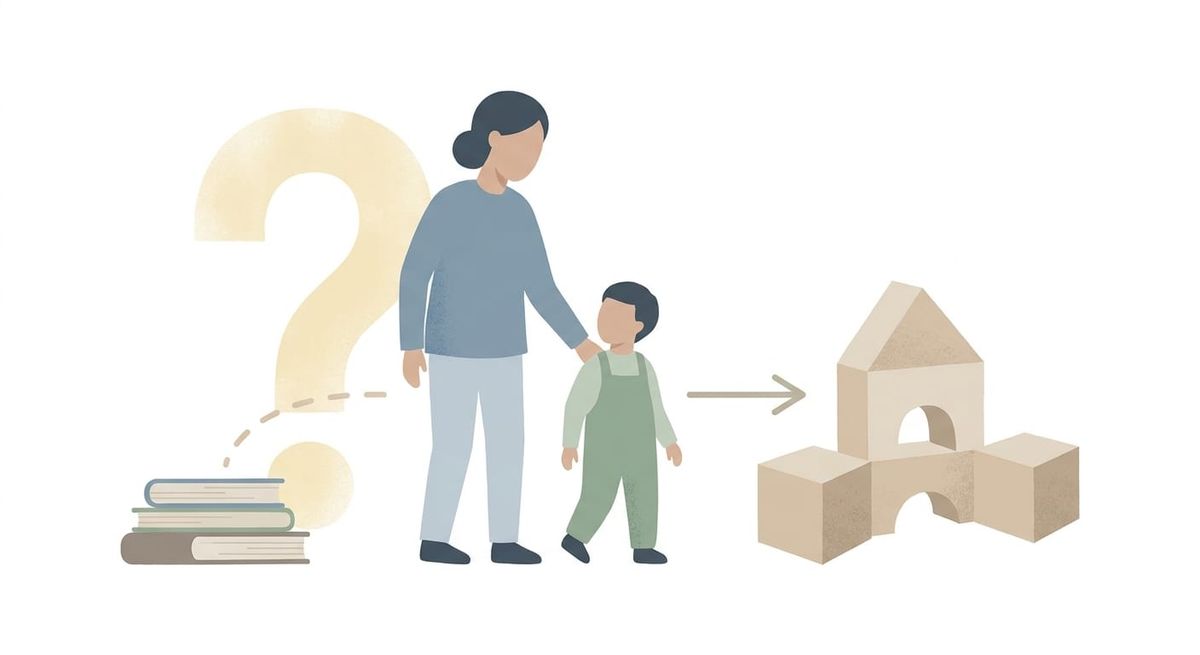
If your child keeps blurting out a word that does not match the letters on the page, you are not alone. Guessing is one of the most common things parents notice during reading practice. It can look like your child is being careless, but that usually is not the real problem.
Most of the time, guessing happens when reading feels hard, the child wants to move fast, or they have gotten used to using pictures, context, or the first letter instead of reading all the way through the word.
If you are trying to stop guessing during Orton-Gillingham practice, the goal is not to make your child read more slowly just for the sake of it. The goal is to help them pay attention to the sounds and patterns in the word so decoding becomes more accurate and less stressful.
Why do kids guess at words during reading practice?
Guessing usually shows up for a reason. A child may:
- feel rushed
- see a familiar first letter and jump to a word they already know
- rely on context instead of decoding
- lose track of the middle or ending sounds
- try to avoid the discomfort of hard reading
This matters because guessing can hide what your child actually knows. If they say a word quickly and move on, it is harder to tell whether they can really read that pattern.
In Orton-Gillingham practice, accuracy comes before speed. A child who slows down enough to look through the whole word is building a much stronger habit than a child who guesses and happens to get a few words right.
What should you say instead of “slow down”?
Many parents say “slow down” because it feels like the obvious fix. But for a child, that can sound vague or frustrating. They may not know what to do differently.
Try prompts that tell your child exactly what to do next:
- “Start at the first sound.”
- “Touch each sound.”
- “Look all the way through the word.”
- “What do you see in the middle?”
- “Try it one sound at a time.”
These prompts work better because they shift your child back to the process.
If your child guesses a word, avoid turning it into a lecture. Pause, cover the word, uncover it again, and guide them back through the sounds. Calm repetition helps more than correction with extra emotion.
You might also find this helpful: How to Correct Reading Mistakes During Orton-Gillingham Practice
Is the text too hard, too easy, or too fast?
Sometimes guessing is not just a habit. It is a sign that the reading material is not the right match.
If the text includes too many untaught patterns, your child may guess because they do not have a reliable way to decode the words yet. If the text is too easy, they may rush and stop paying attention. If the pace feels pressured, guessing can become a shortcut.
A better fit looks like this:
- most words contain patterns your child has already practiced
- the passage is short enough that your child does not fatigue halfway through
- your child can get through it with support, but not by memorizing or guessing
Decodable text helps because it gives your child a fair chance to use the skills they are learning. When the words match instruction, guessing usually drops.
What does guessing look like in real life?
Imagine a fourth grader reading the sentence: “The frog went to the pond.”
He sees the word “frog” and says “from.” Then he gets to “pond” and says “park.” He is not reading the full word. He is grabbing part of what he sees and filling in the rest with a word that seems like it could fit.
Instead of saying, “No, that is wrong, try harder,” his parent points to the word “frog” and says, “Let’s check every sound.”
They go sound by sound: /f/ /r/ /o/ /g/.
Then they blend it together.
After a few days of using the same kind of prompt, he starts catching himself. He pauses before answering and looks through the word instead of lunging at it. That is real progress, even if it still feels slow.
Practical ways to reduce guessing at home
Here are a few simple things you can try during Orton-Gillingham practice:
1. Use your finger or a card to guide attention
Cover part of the word and reveal it from left to right, or point under each sound as your child reads. This helps them stay with the print instead of jumping ahead.
2. Shorten the practice before your child burns out
A tired child guesses more. If practice starts well and falls apart after eight minutes, end earlier next time.
3. Re-read a short decodable passage
The first read may take a lot of effort. The second read gives your child a chance to apply the same patterns with more confidence and less guessing.
4. Praise accurate effort, not fast answers
Say things like, “You looked through the whole word,” or “You fixed that by checking the middle sound.” This reinforces the habit you want.
When should you worry about guessing?
Occasional guessing is normal. Constant guessing is a sign to step back and adjust something.
If your child guesses on most unfamiliar words, skips the middle of words, or becomes upset every time they have to decode, it may mean the task is too hard right now or the support needs to be more structured.
That does not mean they cannot improve. It usually means they need simpler text, clearer prompting, and more repetition with patterns they are still learning.
A calmer way to build accuracy
If you want to stop guessing during Orton-Gillingham practice, think less about telling your child to be careful and more about showing them what accurate reading looks like. Small changes in prompting, text choice, and pacing can make a big difference.
Your child does not need perfect reading. They need enough support to look at the word, work through it, and feel that decoding is something they can actually do.
If you want extra support at home, ReadGenie gives children structured phonics practice with decodable passages and built-in repetition based on the skills they are learning. You can explore it here: App Store and Google Play.