How to Know If Your Child Is Guessing in Orton-Gillingham
If your child says words too fast, skips sounds, or seems to read from memory instead of decoding, guessing may be getting in the way. Here is how to spot it and what to do next.

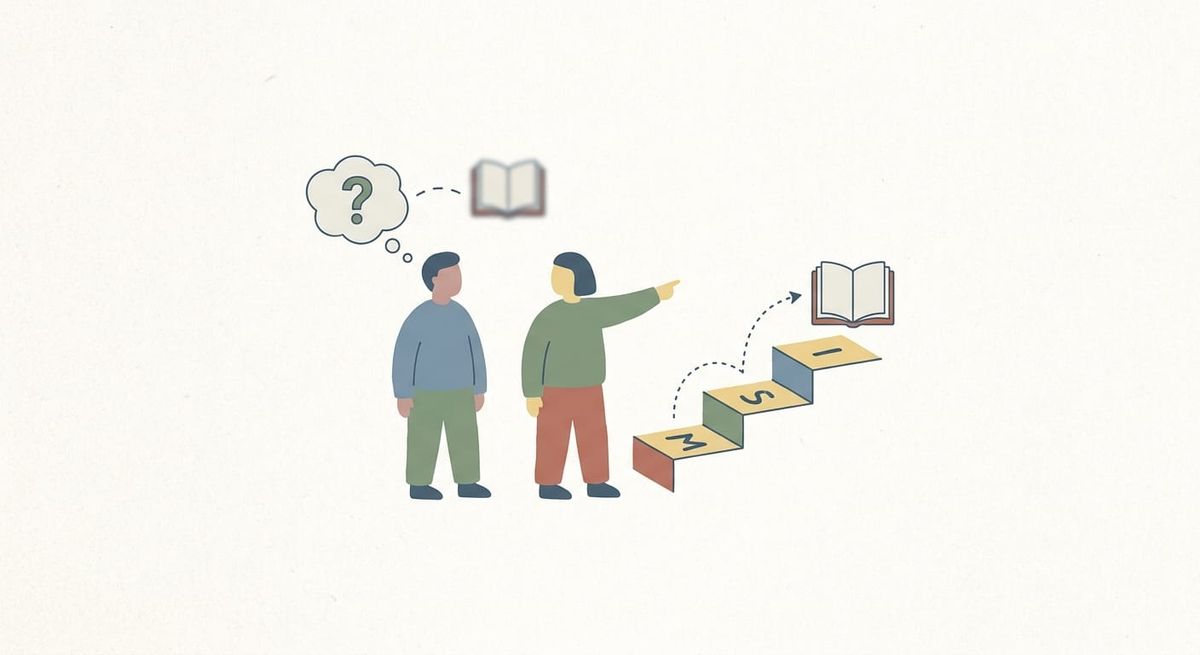
If your child reads a word before really looking at it, you may be wondering whether they are actually decoding or just guessing. That can be hard to tell at home, especially when your child gets some words right and some very wrong.
The good news is that guessing during Orton-Gillingham practice is common, and it does not mean your child cannot learn to read accurately. It usually means the task is moving faster than their decoding habits. Once you know what to look for, you can slow things down and make practice more useful.
What does guessing look like during reading practice?
Guessing is not just getting a word wrong. It is reading a word without going through the sounds in a careful way.
A child may be guessing if they:
- say a word instantly without looking all the way through it
- get the first sound right but change the rest
- swap in a word that would make sense in the sentence
- skip over the middle of the word
- look at the picture instead of the letters
- say “that one” or wait for help instead of trying the sounds
For example, your child might see stamp and say stop. Or they might read shine as ship because they noticed the first few letters and rushed.
That matters because Orton-Gillingham works best when a child is connecting sounds to letters in a clear, repeatable way. If guessing takes over, practice can look busy without building the skill you want.
Why do kids guess instead of decode?
Most children do not guess because they are being careless. They guess because something in the task feels hard, tiring, or unclear.
Common reasons include:
- the word pattern is not solid yet
- the list is too long
- the child is trying to go too fast
- the text has too many unfamiliar words
- they have learned to rely on context from school reading
- they are feeling pressure to get it right quickly
Sometimes parents think guessing means a child is not trying. More often, it means the child has learned a shortcut. Shortcuts can hide the real issue for a while, but they usually fall apart when the words get longer or less familiar.
How can you tell the difference between guessing and real decoding?
A simple test is to watch what your child does before they say the word.
If they pause, track across the letters, and work through the sounds, that is decoding, even if they need help. If they blurt out a word right away based on one part they noticed, that is usually guessing.
You can also listen for patterns:
- Are errors fast instead of thoughtful?
- Do they make the same kind of mistake again and again?
- Are they more accurate on isolated word practice than in connected text?
- Do they read better when you cover part of the word and reveal it slowly?
A child who is decoding may be slow, but there is a process you can see. A child who is guessing often sounds confident and inaccurate at the same time.
What should you do when guessing shows up?
The goal is not to lecture your child about guessing. The goal is to make the right reading habit easier to use.
Start by slowing the task down. Point to the word and say something simple like, “Let’s look all the way through it,” or, “Say the sounds you see.” That gives your child a path instead of just telling them they are wrong.
Then check whether the material matches their current level. If guessing keeps happening, the words may be too advanced or the pattern may need more review.
It also helps to reduce overload. Shorter practice often works better than pushing through a whole list. Five accurate minutes can do more than fifteen rushed ones.
A real-world example
Maya, a fourth grader with dyslexia, looked like she was reading quickly during home practice. Her dad felt hopeful at first, but then he noticed she was reading train as trip, float as flip, and bright as bring. She was grabbing the first sound blend and then filling in the rest.
Instead of correcting every word with “No, try again,” he changed the routine. He used shorter word lists, asked Maya to tap each sound before reading, and practiced one pattern at a time. Within a couple of weeks, her reading sounded slower but more accurate. That slower pace was actually a sign that real decoding was starting to happen.
Simple ways to reduce guessing at home
Here are a few realistic things to try:
1. Use shorter word lists
If your child starts strong and then begins rushing, the list may be too long. Stop earlier while they can still be accurate.
2. Ask for sounds first
Before your child says the whole word, prompt them to say the sounds or chunks they notice. That encourages a decoding routine.
3. Practice one pattern at a time
If you mix too many patterns together too soon, guessing often increases. Keep practice tightly focused.
4. Choose decodable text over leveled text
If the passage includes many words your child cannot sound out with the pattern they know, they are more likely to rely on memory or context.
When is guessing a sign to go back?
If guessing happens once in a while, you may just need to slow down and give more support. But if it keeps happening across words your child is supposed to know, it may be a sign that the earlier pattern is not secure yet.
That does not mean you failed or that your child is stuck. It just means the foundation needs a little more work before moving on.
You might also find this helpful: How to Correct Reading Mistakes in Orton-Gillingham
Guessing during Orton-Gillingham can make practice feel confusing, because it sometimes looks like reading at first. But once you learn to spot it, you can respond in a calmer and more useful way. The goal is not speed. The goal is accurate, repeatable decoding that helps your child feel more confident over time.
If you want extra support at home, ReadGenie gives children structured phonics practice with repetition, decodable passages, and dyslexia-friendly routines rooted in Orton-Gillingham principles. You can explore it here: App Store or Google Play.